Back to Home
Case Study
Building a UI Kit to Streamline UI Design
Design System
Background
Working in the design team at Hayat Technologies, I quickly realised two issues with the way did things:
We were doing redundant work: With each new project meant creating the same buttons, the same fields and menus. It was time consuming and repetitive.
Our work was inconsistent: The quality of our design varied across projects and between different designers—there was little to no distinct appearance that made our design unique to our company.
I quickly realised what we needed—our own internal UI kit.
Process
I did research on best practices for creating a design system. I studied existing systems such as Material UI, Apple UIKit and more. I setup design tokens in three levels:
Base tokens: These were reusable tokens that could be inherited by other tokens (aliases)—for example, cool-black-800, brand-red-500, etc. for colour tokens. And for sizes, values like 4, 8, 12, 16, and so on-—in multiples of 4, taking a page out of Google's Material design system).
Second-level aliases: These were broad general colours and variables—for example, foreground, foreground-hover, foreground-pressed.
Third-level aliases: Context-specific tokens which were applied to specific components—for example, button-foreground, button-foreground-hover, button-foreground-pressed.
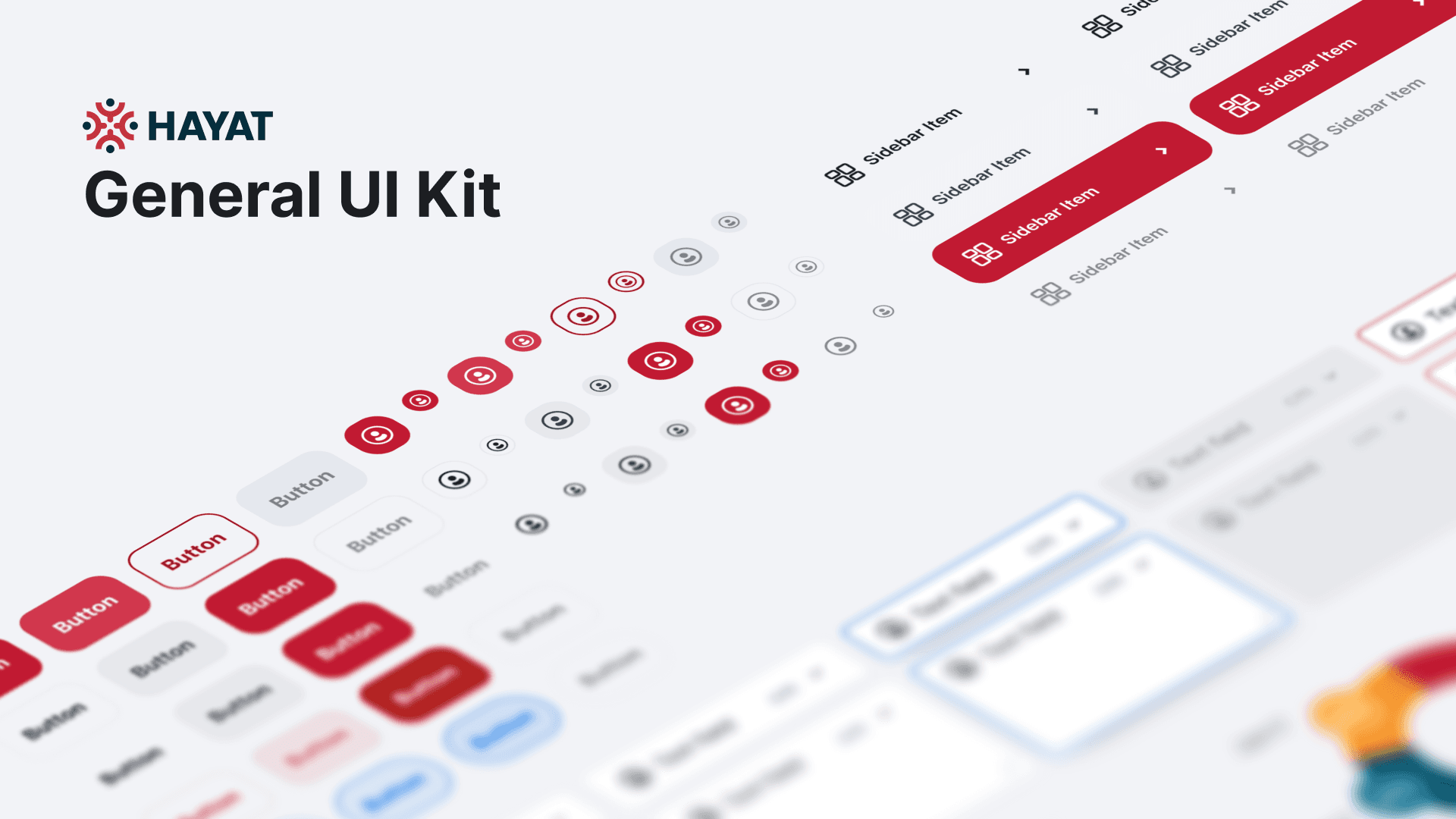
We created components at two levels: Base Components and Patterns. Components were created with plenty of variants and properties that allowed them to be easily customised from the inspector for just about any use case. Template pages were created for common screens-—for example, login pages, listings, and settings pages-—allowing us to quickly put together user flows for any project.
In addition to components, we also crafted and maintained a custom icon library, amounting to 1000+ custom icons.
Impact
We ended up with a living design system that we continuously improved as we went, further broadening its use cases and smoothing out any rough edges. It improved our design speed—we delivered work almost 150-200% faster than before; what would normally take a week or two could be completed within days. It also led to more consistent design across projects, no matter who designed it. This gave our screens a more holistic look and feel across projects.
A cool side effect of it is that it taught team members who were new to the concept of design systems how to use them. And with a design system in place, new designers can easily adopt it and get working designs out quickly, smoothing out the onboarding process for new team members.
Find me on
Interested in work with me?
Copyright © Sharrine Ishak. 2026.